



Managing emails becomes more challenging as the list grows and contacts stack up. More importantly, with the rise of remote work, global teams, and increasing online communication, inboxes fill up faster than most people can keep up. This is exactly why interest in the best AI email assistants has skyrocketed. These tools do more than draft messages. They organize, prioritize, recommend responses, clean up newsletters, detect spam, schedule meetings, and even help maintain a professional communication tone.
Here are some of our popular posts: Top 10 best website builders, Best super foods for a healthy lifestyle, the unlimited list of free productivity apps, Best freelance site to find remote jobs, top 10 productivity hacks for entrepreneurs , 10 best side hustles to make extra money online, best online courses for learning digital skills, top 10 best free coding website
In this guide, you will get a clear and engaging explanation of what AI email assistants are, how they work, and why they have become essential for both individuals and businesses. You will also learn the advantages of using them, what to consider when choosing one, and simple tips for maximizing their power. Finally, you will find a thorough review of the top ten best AI email assistants in 2026, including features, pricing, and what makes each one unique.
Let’s dive in.
Understanding Email, AI Email Assistants, and How They Work
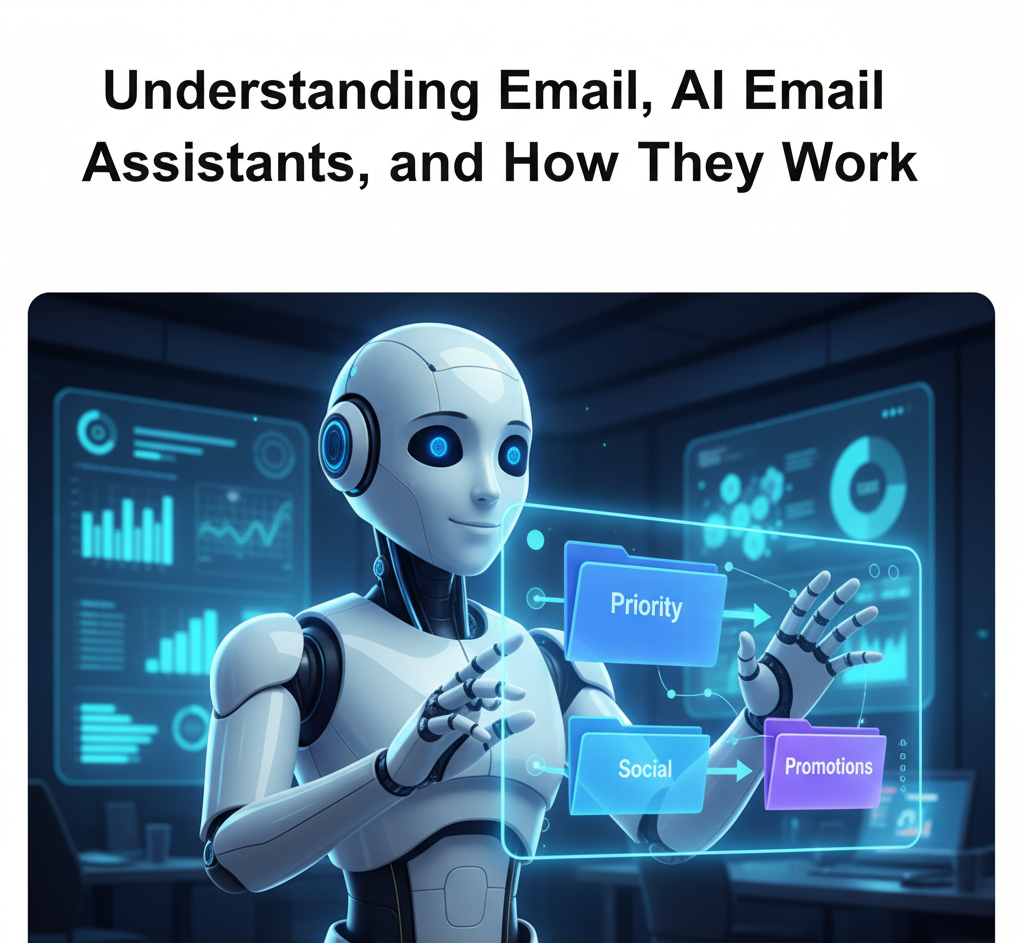
Email remains one of the most used communication tools in the world. Whether it is business negotiations, customer service replies, marketing updates, project collaboration, or personal exchanges, email is still central to digital communication. As inboxes get busier, people spend hours sorting messages, drafting replies, and managing threads. That is where AI email assistants come in.
An AI email assistant is a smart tool that uses artificial intelligence, natural language processing, and machine learning to help manage your inbox more efficiently. It reads email content, understands context, predicts your needs, and helps automate repetitive tasks. Instead of manually responding to every message, your AI assistant can draft replies, highlight important messages, filter spam, and even follow your communication tone.
How AI email assistants work is that they rely on patterns and behavioral data. They analyze your writing style, look at how you respond to different contacts, and learn your communication preferences. Over time, they become more personalized. They learn which emails to prioritize, which ones to ignore, and which types require immediate action.
Most AI email assistants connect directly to your email provider using secure authorization. Once connected, they monitor incoming messages in real time. The more you use them, the smarter and more accurate they become.
In short, AI email assistants help you reduce stress, save time, and stay organized in a world where the inbox never stops growing.
10 Advantages of Having an AI Email Assistant in 2026

There are many benefits to using the best AI email assistants in 2026. Here are ten major advantages explained in simple terms.
#1. Time savings: AI email assistants save countless hours by automatically drafting responses, scheduling emails, filtering spam, and sorting messages. Instead of spending three hours per day in your inbox, you might spend only minutes.
#2. Improved productivity: With repetitive email tasks handled automatically, you can focus on more meaningful work. You gain mental clarity and reduce distractions.
#3. Better accuracy: AI assistants help you avoid careless mistakes such as spelling errors, missing attachments, or sending messages to the wrong person. They double-check everything before sending.
#4. Consistent communication tone: If you handle customer service or professional correspondence, an AI assistant ensures your tone remains polite, clear, and appropriate across all messages.
#5. Intelligent prioritization: Instead of reading every message instantly, your AI assistant highlights urgent, important, or actionable emails first. This ensures you never miss critical information.
#6. Automated email organization: The assistant creates folders, labels, and categories automatically. Newsletters go into one section, promotions in another, and work messages stay organized.
#7. Better follow-up reminders: AI assistants remember what humans forget. They notify you to reply to important pending emails or follow up on tasks you promised to complete.
#8. Stress reduction: Inbox overload causes mental fatigue. With an AI assistant helping to manage everything, you enjoy peace of mind and less anxiety.
#9. Enhanced security: Some AI email assistants offer phishing detection, spam protection, and fraud analysis. This keeps you safer in an age where scams are becoming more convincing.
#10. Multichannel integration: The best AI email assistants in 2026 connect with calendars, CRM tools, task managers, and meeting software. This creates a seamless workflow across your daily tools.
10 Things to Look Out for When Selecting the Best AI Email Assistant in 2026
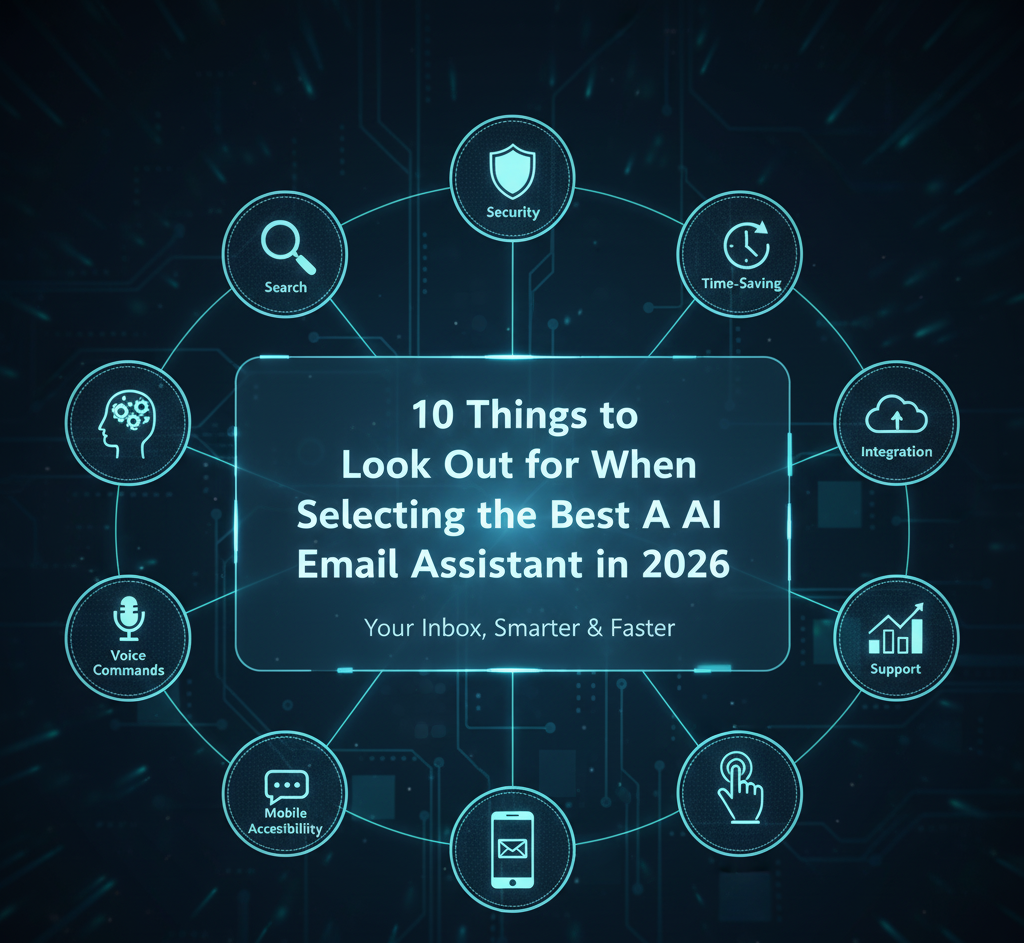
Choosing the right AI email assistant requires careful consideration. Here are the top ten factors to evaluate.
#1. Compatibility with your email provider: Your AI email assistant must work seamlessly with the email platform you already use. Whether it is Gmail, Outlook, Yahoo, ProtonMail, iCloud Mail, or a custom business email, compatibility ensures smooth setup and full functionality.
When the assistant integrates naturally with your provider, it can sync folders, analyze message history, scan incoming mail in real time, and apply automation rules accurately. Without compatibility, even the most advanced assistant becomes completely useless. Always confirm that it supports your email provider before subscribing.
#2. Security and privacy: In 2026, security is one of the most important factors when choosing any digital tool. The best AI email assistants must protect your data with strong encryption, secure authentication, and rigorous privacy standards. Look for globally recognized certifications such as SOC2, ISO compliance, and GDPR adherence.
A trustworthy assistant should clearly explain how your data is collected, stored, and used. Avoid any platform that lacks transparency. Your emails often contain sensitive information such as contracts, financial details, client discussions, and personal files, so security should never be compromised.
#3. Customization level: A high-quality AI email assistant should adapt to your communication style rather than force you to adapt to it. Look for tools that allow you to adjust your writing tone, formal or informal voice, auto reply settings, scheduling habits, filtering rules, and notification preferences.
Customization helps the assistant feel more personal rather than generic. It also ensures that your email responses match your brand, personality, and workflow. The more control you have over these settings, the better the assistant will fit your daily routine.
#4. Ease of use: An AI tool is only useful if you can operate it without frustration. The best assistants offer clean dashboards, minimal setup, easy navigation, and clear instructions. If the interface feels confusing or overwhelming, you will probably avoid using it, which defeats the purpose.
Look for an assistant who is intuitive and beginner-friendly. It should guide you through automation features, help you discover shortcuts, and provide a simple learning curve. A well-designed interface saves time and enhances your overall experience.
#5. Speed and accuracy of responses: One of the biggest advantages of using the best AI email assistants is their ability to generate fast and contextually accurate suggestions.
Your assistant should interpret tone, understand intent, recognize urgency, and provide relevant replies instantly. Slow tools disrupt workflow. Inaccurate suggestions force you to repeatedly make corrections. A top-tier AI assistant learns your habits over time and delivers precise responses, ensuring you always communicate clearly and quickly.
#6. Integration with other tools: Modern email management extends beyond the inbox. That is why the best AI assistants must integrate with calendars, meeting apps, task managers, CRMs, collaboration tools like Slack, and even mobile devices.
Strong integration ensures that your tasks flow smoothly from emails to actions. For example, you should be able to convert an email into a task automatically or schedule a meeting based on message content. When your AI assistant works well with your entire tech stack, your productivity increases significantly.
#7. Automation features: Smart automation is one of the core reasons people use AI email assistants. Look for tools that offer auto sorting, prioritized inbox features, follow-up reminders, AI-powered spam detection, newsletter filtering, auto archiving, and meeting scheduling.
These automations remove repetitive tasks from your routine and free up a lot of time. The more automation options available, the more efficiently your inbox operates on autopilot.
#8. Customer support: Even the best technology sometimes needs troubleshooting. Reliable customer support is essential, especially when adopting an AI-powered tool.
Look for assistants that offer responsive customer service through chat, email, or help centers. Tutorials, onboarding guides, FAQs, and video lessons are also valuable. Strong support ensures that you maximize every feature and resolve any issues without disrupting your workflow.
#9. Pricing: AI assistants come with a range of pricing options, from free basic plans to advanced premium subscriptions. When choosing the right one, consider your budget, needs, and the features you value most.
Free plans are useful for beginners but may lack powerful automation or advanced AI generation. Premium plans often include deeper integrations, faster performance, better customization, and stronger security. Make sure the pricing aligns with your email habits and the value you expect to gain.
#10. AI updates and innovation: AI technology evolves rapidly. The best AI email assistants in 2026 continuously update their models, features, and performance. Choose a tool backed by a development team that releases regular improvements.
Frequent updates mean sharper accuracy, smarter automation, better security, and new capabilities tailored to modern workflows. An assistant that remains stagnant will eventually fall behind competitors and become less useful over time. Innovation ensures your tool stays relevant and powerful.
Basic Tips to Maximize the Potential of Your AI Email Assistant
Even the most advanced assistant needs proper usage to deliver maximum value. Follow these tips to get the best results.
#1. Train the assistant regularly: Respond to its suggestions, adjust tone preferences, and correct mistakes. The more feedback you give, the better it becomes.
#2. Use clear instructions: When asking the assistant to draft or summarize something, be specific about tone, length, and purpose.
#3. Organize your inbox: Even with AI, keeping your folders and labels structured helps the assistant work faster and more accurately.
#4. Review drafts before sending: AI generates excellent content, but you should still scan messages before sending to ensure they match your intention.
#5. Combine the assistant with task management: Integrate email tasks with tools like Trello, Notion, or your calendar to streamline your workflow.
#6. Avoid over-automation: Some messages require a personal touch. Use AI wisely without becoming overly dependent on it.
#7. Keep your software updated: Updates come with improvements. Make sure you are using the latest version of your AI assistant.
#8. Use templates: Many assistants allow saving templates for recurring emails. This speeds up your reply process even more.
#9. Monitor important contacts: Set VIP filters for clients, managers, or partners to ensure you never miss key messages.
#10. Explore advanced features: Take time to learn functionalities like predictive analysis, smart scheduling, and custom rules.
The Top 10 Best AI Email Assistants in 2026
Here are the 10 best AI email assistants in 2026, including their features, pricing, and differentiators.
#Google Gemini Email Assistant: Smart Compose, smart reply, predictive scheduling, contextual summaries, integration with Google Workspace, and advanced meeting suggestions.
Included in most Google Workspace plans starting from $10 per user monthly.
What makes it stand out is that it understands context better than most assistants and learns user patterns extremely fast.
#Microsoft Copilot for Outlook: Professional email drafting, document generation, meeting prep, and real-time suggestions tied to Microsoft 365 data.Starts around 30 dollars per user monthly as part of Microsoft 365 Copilot.
What makes it stand out is that Deep integration with the entire Office ecosystem makes it ideal for businesses.
#Superhuman AI Email Assistant: Lightning fast inbox, AI-powered triage, instant replies, follow-up reminders, and productivity shortcuts.Starts at 30 dollars per month. What makes it stand out is Speed. It is designed for high-performance email users.
#Mailbutler AI Smart Assistant: Email tracking, smart send later, templates, signatures, reminders, and AI writing assistance.
Starts at $9.95 monthly. What makes it stand out is the Perfect balance of affordability and advanced features for freelancers and small teams.
#SaneBox AI Cleaner: Smart filtering, priority inbox sorting, newsletter digest, attachments organization, and spam protection. Plans start at 7 dollars monthly. What makes it stand out is its Unmatched inbox organization capabilities.
#Spark AI Email Assistant: Smart replies, team collaboration, email delegation, note taking, and unified inbox.
Starts at $7.99 monthly. What makes it stand out is that it is Great for teams that collaborate heavily through email.
#Mailbutler DeepFlow 2026 Edition: Enhanced predictive writing, task creation from emails, unified contact profiles, and workflow automation.Starts at $14 monthly. What makes it stand out is the Excellent task integration and workflow features.
#Shortwave AI: Inbox summarization, automated batching, email cleanup, and smart snooze.Free plan available, premium starts at $9 monthly. What makes it stand out is the very clean interface and powerful summarization features.
#Hey AI Email Assistant: Screener for unknown senders, reply-later reminders, thread organization, and smart filtering.
Starts at $12 per month. What makes it stand out is that it is privacy-focused with a unique approach to email management.
#Zoho Mail AI Assistant: Smart reply, email translation, advanced filtering, workflow automation, and CRM integration.
Starts at $1 monthly with premium options available.
What makes it stand out is that it’s extremely budget-friendly and perfect for business owners already using the Zoho ecosystem.
Conclusion
The rise of AI has completely transformed the way people manage email. In 2026, the best AI email assistants will allow you to save time, reduce stress, and work more efficiently than ever before. They automate repetitive tasks, improve communication quality, and help you stay organized in a fast-paced digital world.
Here are some of our popular posts: Top 10 best website builders, Best super foods for a healthy lifestyle, the unlimited list of free productivity apps, Best freelance site to find remote jobs, top 10 productivity hacks for entrepreneurs , 10 best side hustles to make extra money online, best online courses for learning digital skills, top 10 best free coding website
Whether you are a business professional, student, entrepreneur, or content creator, choosing the right AI email assistant can significantly enhance your productivity. With the tips in this article and the detailed comparison of the top tools, you now have everything you need to make an informed decision.
If you need help creating additional content, optimizing this article for your website, or customizing it for your niche, feel free to ask.
